
Keeping your home safe is no longer just about locks and keys. Modern home security systems combine smart technology, professional installation, and thoughtful planning to protect what matters most. Whether you’re upgrading an existing setup or starting from scratch, understanding the right components and best practices can help you build a system that actually works for your home and lifestyle.
Below is a practical guide to home security system setups and best practices, designed to help homeowners make informed decisions.
Why a Home Security System Matters
A well-designed home security system does more than deter break-ins. It can:
- Alert you to potential emergencies in real time
- Provide peace of mind when you’re away
- Lower insurance premiums in some cases
- Help monitor deliveries, pets, and activity around your home
With today’s smart systems, you can manage security directly from your phone—anytime, anywhere.
Core Components of a Home Security System
A reliable security setup usually includes a combination of the following elements:
1. Entry Sensors
Installed on doors and windows, these sensors alert you when an entry point is opened unexpectedly. They form the foundation of most security systems.
Best locations:
- Front and back doors
- Ground-level windows
- Garage entry doors
2. Motion Detectors
Motion sensors detect movement inside the home when the system is armed. These are especially useful in hallways and common areas.
Best practice:
Install motion sensors at a height and angle that minimizes false alarms from pets.
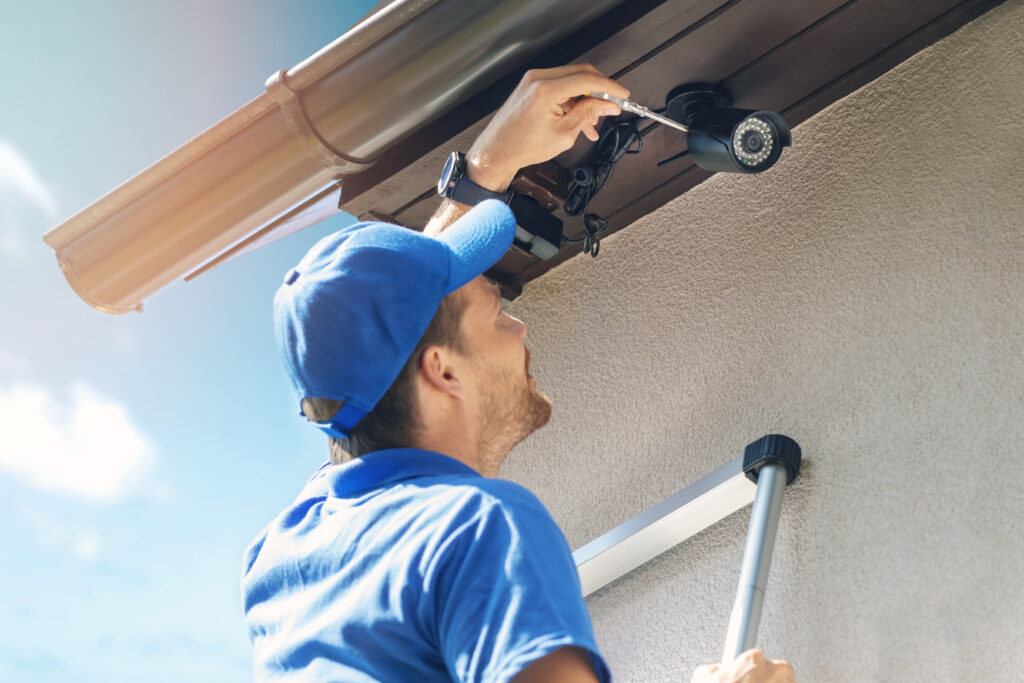
3. Security Cameras
Cameras provide visual monitoring and evidence in case of incidents.
Common camera placements:
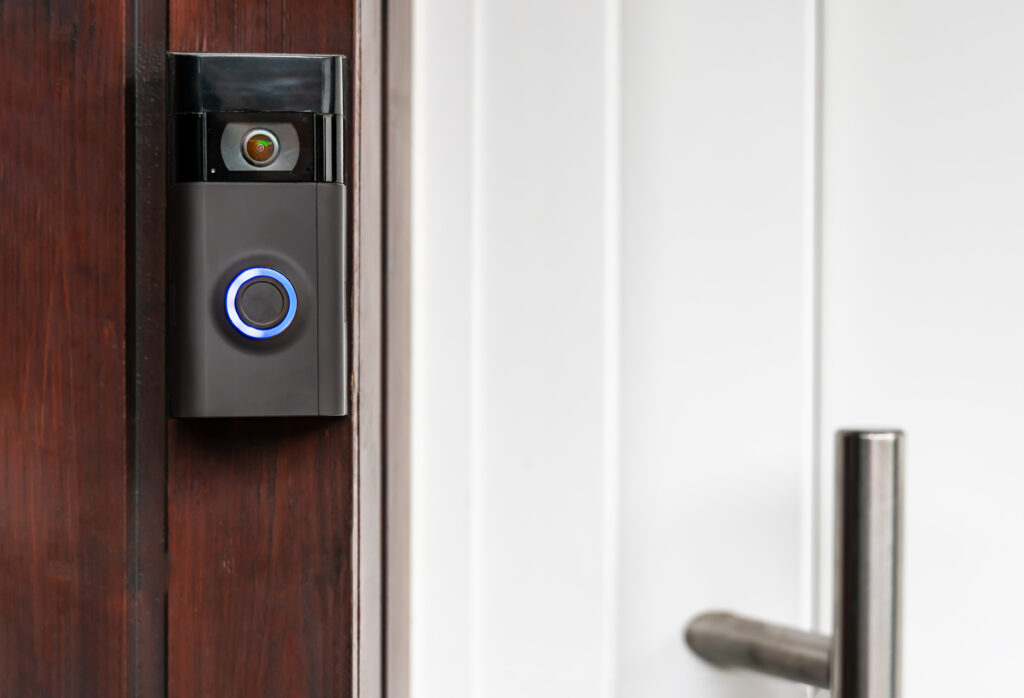
- Front door (most common entry point)
- Backyard or side yard
- Garage
- Main interior living area (optional)
You can choose between wired, wireless, and battery-powered options depending on your home layout.
4. Control Panel or Hub
This is the “brain” of the system. It connects all sensors and devices and allows you to arm, disarm, and customize settings.
Many modern hubs integrate with smartphones and smart home devices.
5. Alarm & Notifications
Alarms deter intruders, while notifications alert you via mobile app, text, or email when something unusual happens.
Some systems also offer professional monitoring for 24/7 response.
Smart vs. Traditional Security Systems
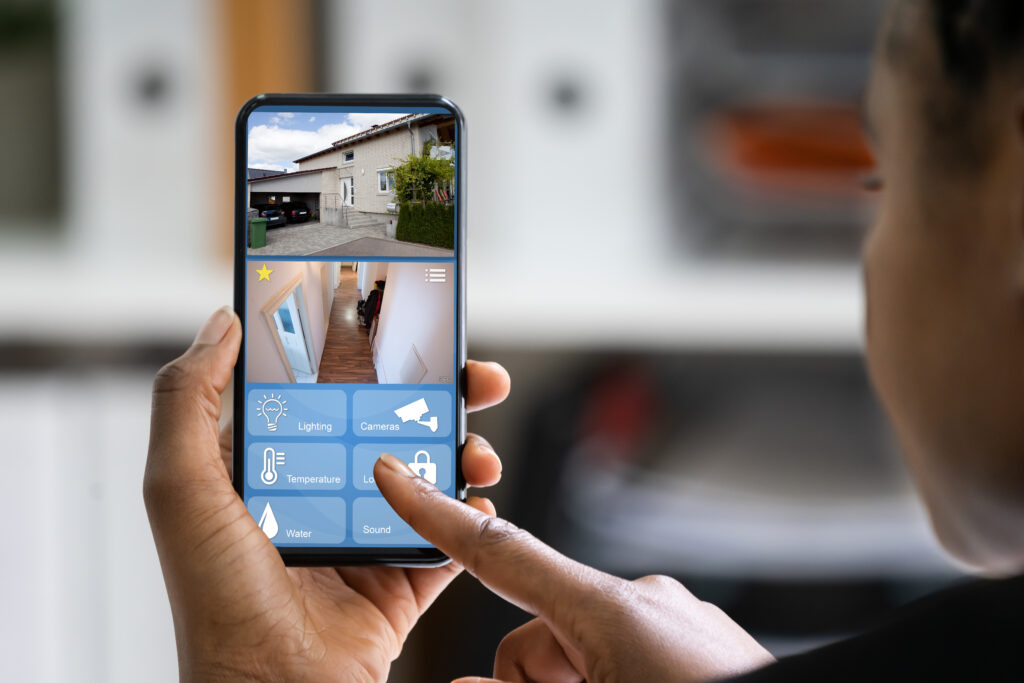
Smart Security Systems
- Controlled through mobile apps
- Integrate with smart locks, lights, and thermostats
- Allow remote access and real-time alerts
Traditional Systems
- Often rely on keypads and alarms
- Usually professionally monitored
- Less customizable but simpler for some users
Best approach:
Many homeowners now choose hybrid systems that combine professional monitoring with smart features.
Professional Installation vs. DIY Setup
DIY Installation
- Lower upfront cost
- Faster setup
- Good for small homes or apartments
Professional Installation
- Optimal sensor and camera placement
- Reduced risk of blind spots or errors
- Ideal for larger homes or complex layouts
Pro tip:
Even if you choose a DIY system, professional installation can significantly improve performance and reliability.
Best Practices for Home Security Setup
1. Secure the Most Vulnerable Areas First
Focus on doors, windows, and garages before adding extra features.
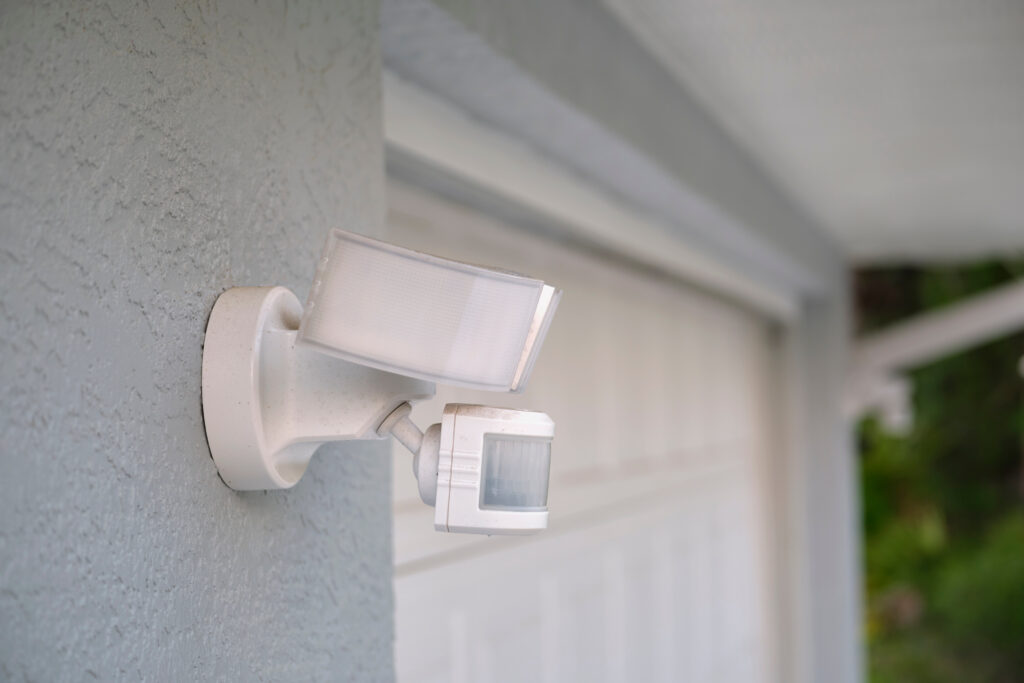
2. Use Outdoor Lighting Strategically
Motion-activated lighting around entrances can deter intruders and improve camera visibility.
3. Avoid Obvious Camera Blind Spots
Make sure cameras aren’t blocked by trees, walls, or decorative elements.
4. Keep Software & Firmware Updated
Regular updates ensure your system stays secure against digital threats.
5. Don’t Overshare on Social Media
Posting vacation plans in real time can unintentionally signal that your home is empty.
6. Test Your System Regularly
Run monthly checks to confirm sensors, cameras, and alerts are working correctly.
Common Home Security Mistakes to Avoid
- Installing cameras too high or too low
- Forgetting to secure garage doors
- Relying on cameras alone without sensors
- Ignoring maintenance and battery replacements
- Choosing systems that don’t scale with your needs
Building a Security System That Fits Your Home
Every home is different. The best security system is one that matches:
- Your home’s size and layout
- Your daily routines
- Your comfort level with technology
- Your long-term plans (renting vs owning)
A thoughtful setup, combined with regular maintenance, can make a meaningful difference in protecting your home.
Final Thoughts

Setting up a home security system doesn’t have to be overwhelming. From choosing the right devices to ensuring proper installation, having the right support makes all the difference.
Our trusted professionals at Wynnow can help with:
- Security camera installation
- Smart doorbells and locks
- Motion sensors and entry sensors
- System setup, placement, and troubleshooting
Whether you’re installing a new system or upgrading an existing one, Wynnow makes it easy to find reliable help, schedule service, and manage everything in one place.
A safer home starts with the right setup—and the right people behind it. If you found this blog helpful, please be sure to check us out on Facebook, Instagram and X for more!